Your 3D Model, Full-Size On Site — in Minutes
Upload your plans or 3D model from anywhere. On site, put on the headset and walk freely through your build at true 1:1 scale — real world and new design mixed together at the click of a button. Measure it, recolour anything to test ideas, and re-upload a change that updates on site in minutes. Catch issues early, save thousands, and go ahead with total confidence. Built for architects, builders & homeowners.
What's AR? Augmented reality is virtual reality mixed with the real world. On site, a life-size 3D model of the build appears right where it will stand — exact 1:1 scale, with the real materials and textures straight from your model.
Already have a Quest? Get the app free on the Meta Store
The Process
From Blueprint to Reality
From a 3D model to walking through it full-size on the real site — in minutes, not weeks.
Upload Your 3D Model
Upload your model as an OBJ — exported from SketchUp, Revit, Blender or any 3D tool — from anywhere: office, home, or the site. No 3D model yet? Send drawings and we'll build it for you.
Open It On Site
Put on the headset on site — your model loads in minutes at true 1:1 scale, with its exact materials and textures, placed right where it will be built.
Walk Through & Update Live
Walk around it full-size on the real plot. Change the design? Re-upload from anywhere and it updates on the headset, on site, in minutes.
What We Visualise
AR & VR for Every Project Type
Whether you're an architect or builder presenting to clients, or a homeowner planning an extension — we bring any 3D model to life, full-size, on the real site.
House Extensions
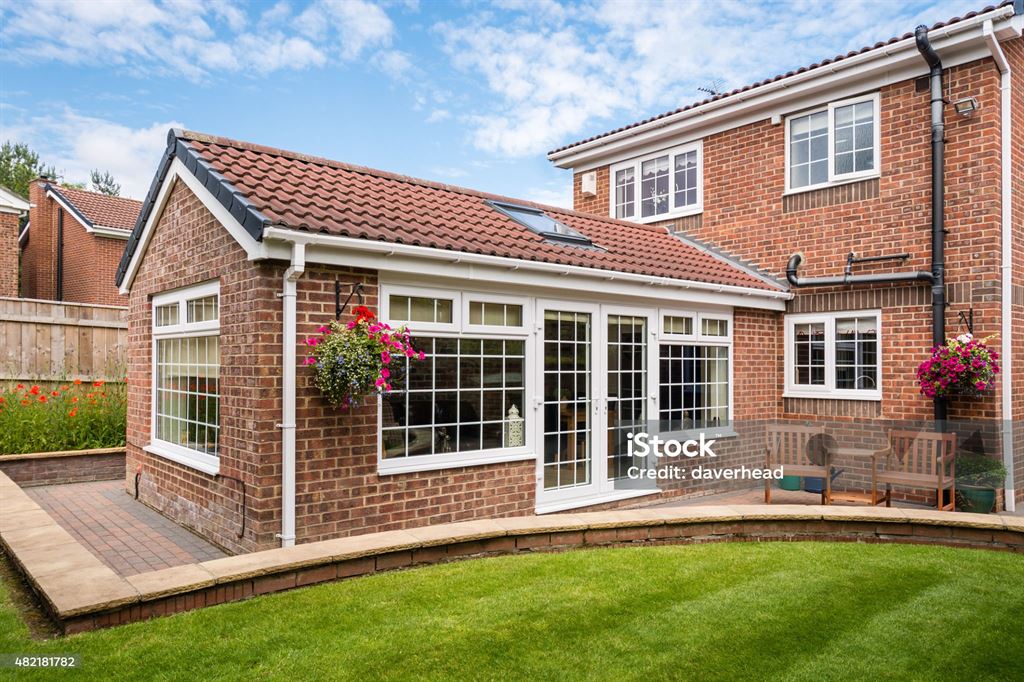
See your rear or side extension in full scale in your actual garden before planning permission is even granted.
Loft Conversions
Visualise your new bedroom or office space in the roof before committing to a full loft conversion project.
New Builds
Walk around an entire new build property at scale on your plot — share the AR experience with buyers or investors.
Renovations
See how reconfiguring your floor plan will transform the feel and flow of your living space.
Architect Packages
Architects and builders: present your designs in AR to clients for sign-off, saving costly revisions down the line.
Commercial Projects
Show stakeholders exactly how a commercial interior or exterior development will look before procurement.
The Power Tools
Everything You Can Do On Site
More than a walk-through. Recolour anything, measure as you go, update live from the office, and run every project from one simple login.
Live Office-to-Site Sync
Someone in the office tweaks the file and it updates on the headset on site — simultaneously. No second visit, no waiting, no re-export.
Test Any Colour or Material
Change the colour of walls, doors, a kitchen — anything — instantly on site. Try every option and decide exactly what you want before you buy.
Run Multiple Projects at Once
Manage several builds from one portal and switch between them on the headset in seconds — ideal for busy architects and builders.
Measure & Check It Works
Everything is true 1:1, so you can measure on site and confirm the plans actually work — clearances, headroom, sightlines. Check the view out of every window, walk in and out of doorways, and test the angles for real before a brick is laid.
Simple, Secure Login
Your own portal login. Upload, manage and update projects from anywhere — easy to use, no technical skills needed.
Your Headset or Ours
Use a headset you already own, or we supply one. Either way you're walking freely through your build, full-size, within minutes.
Build Straight From the Model
Builders can check the work against the design as it goes up. It's true 1:1 on the real plot, so anything that doesn't match shows up on site early — while it's still cheap to put right.
Real Results
See the Transformation
Hover over each image to see the AR visualisation in full — blueprints come alive.
Out On Site
Real Clients, Real Projects
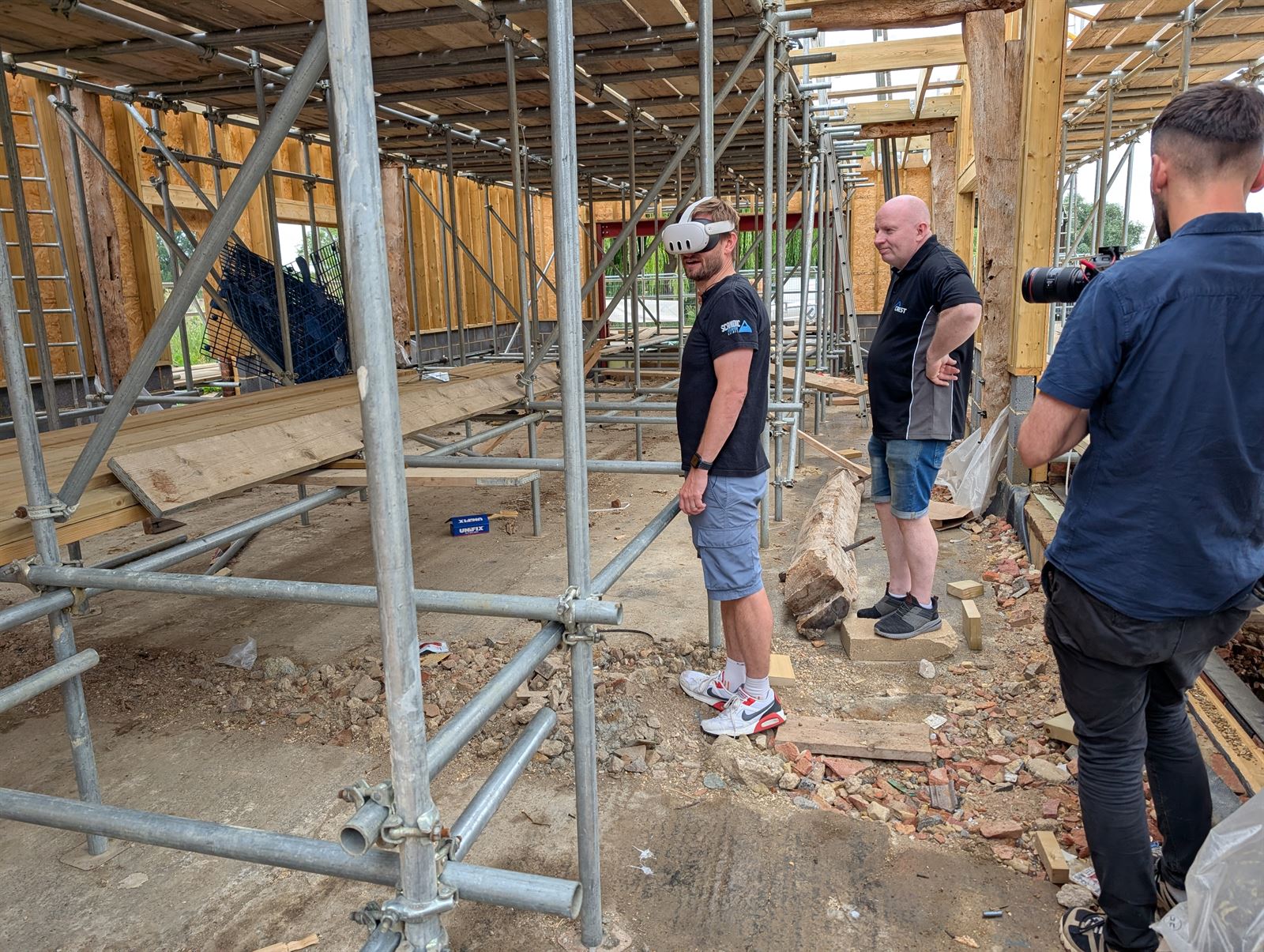
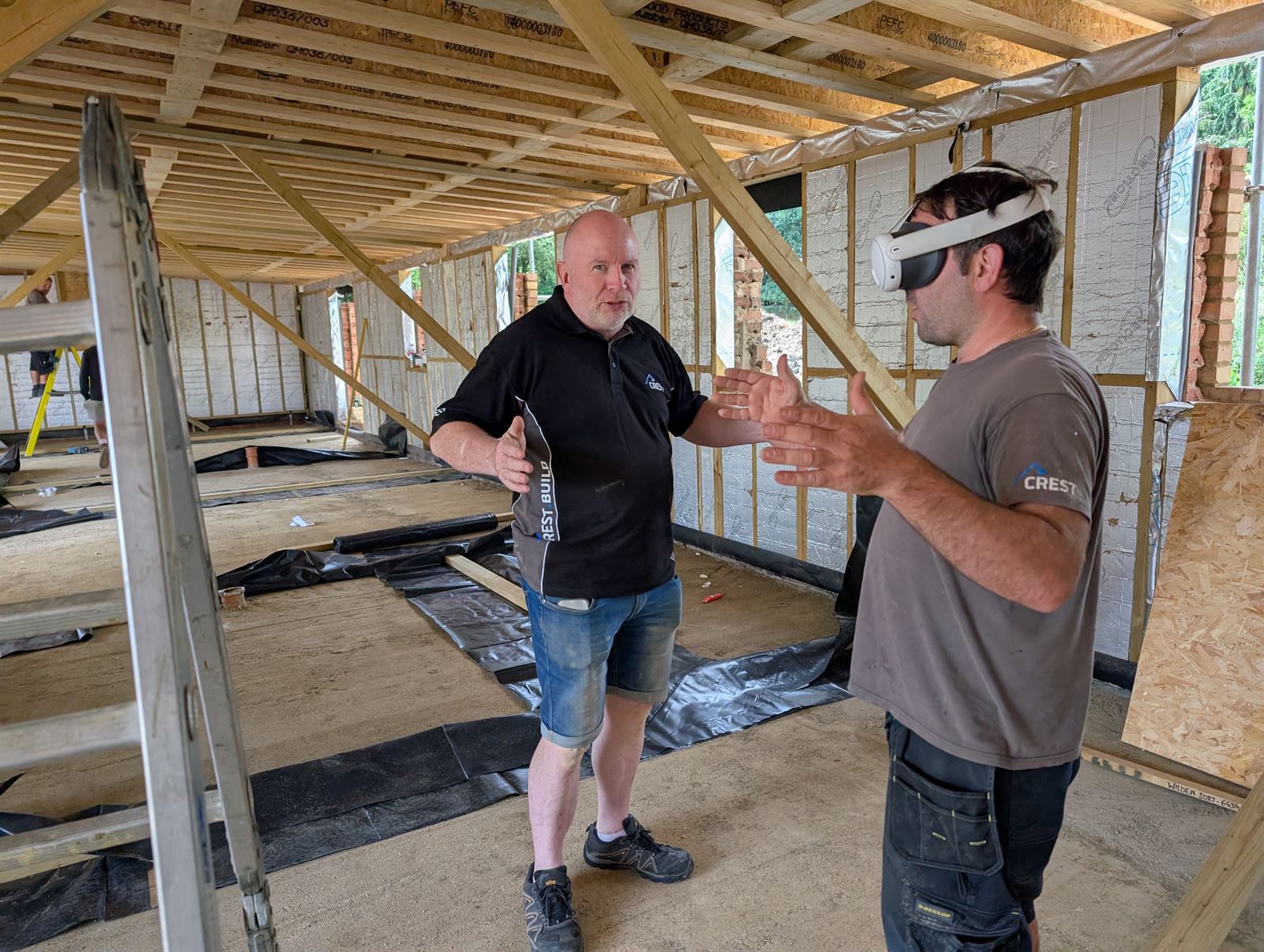
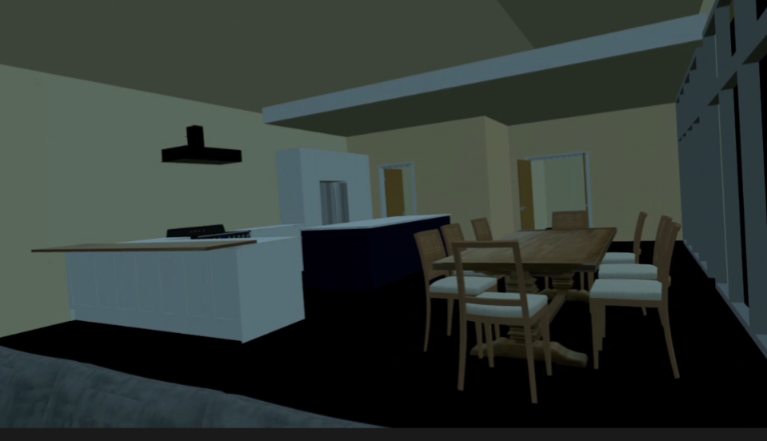
Homeowners, builders and businesses are putting the headset on before a single brick is laid. A loft conversion walked at 1:1 scale in the family's own garden, and an office fit-out stood up inside the real room it was designed for — both before anything was built.
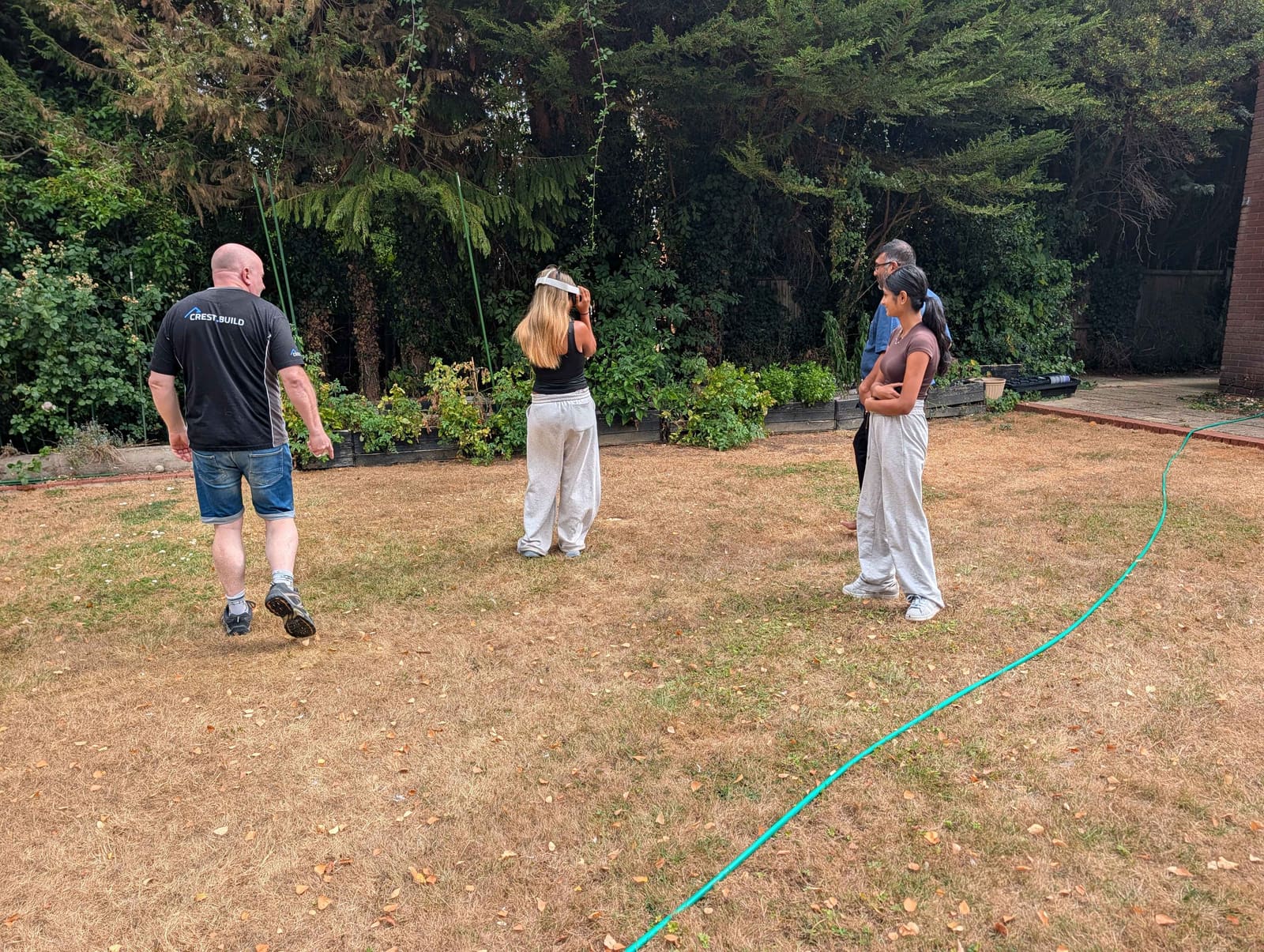
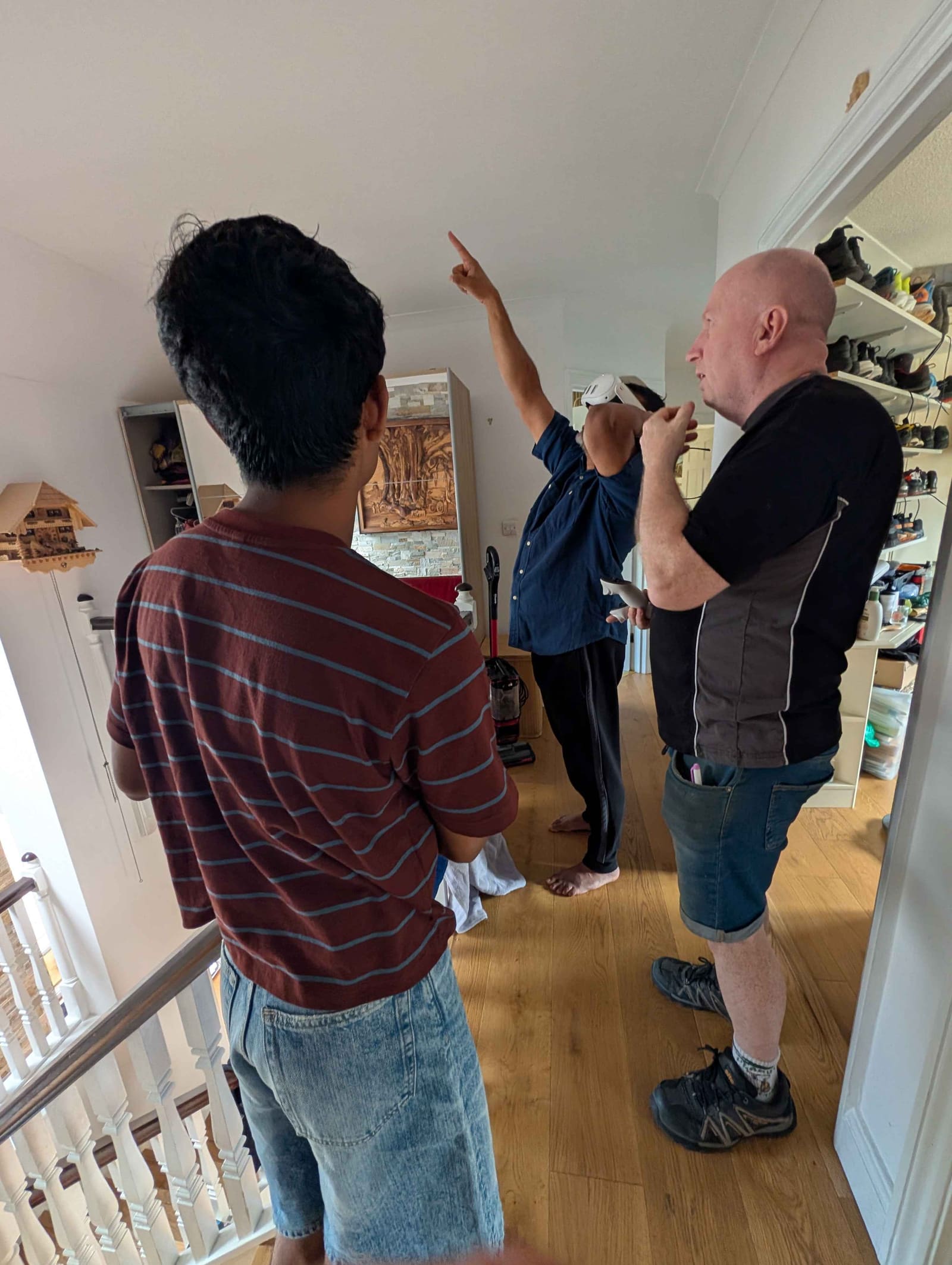
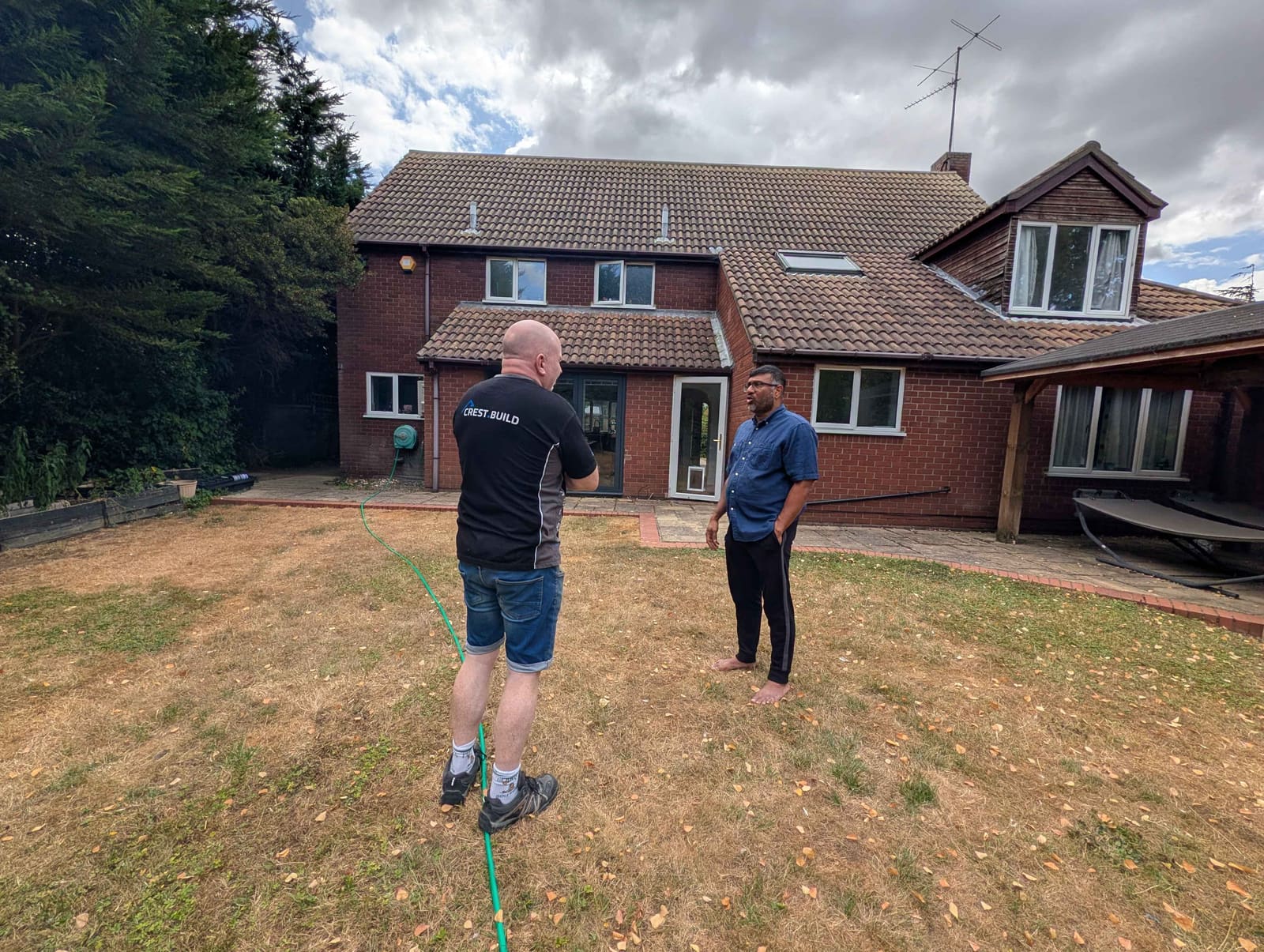
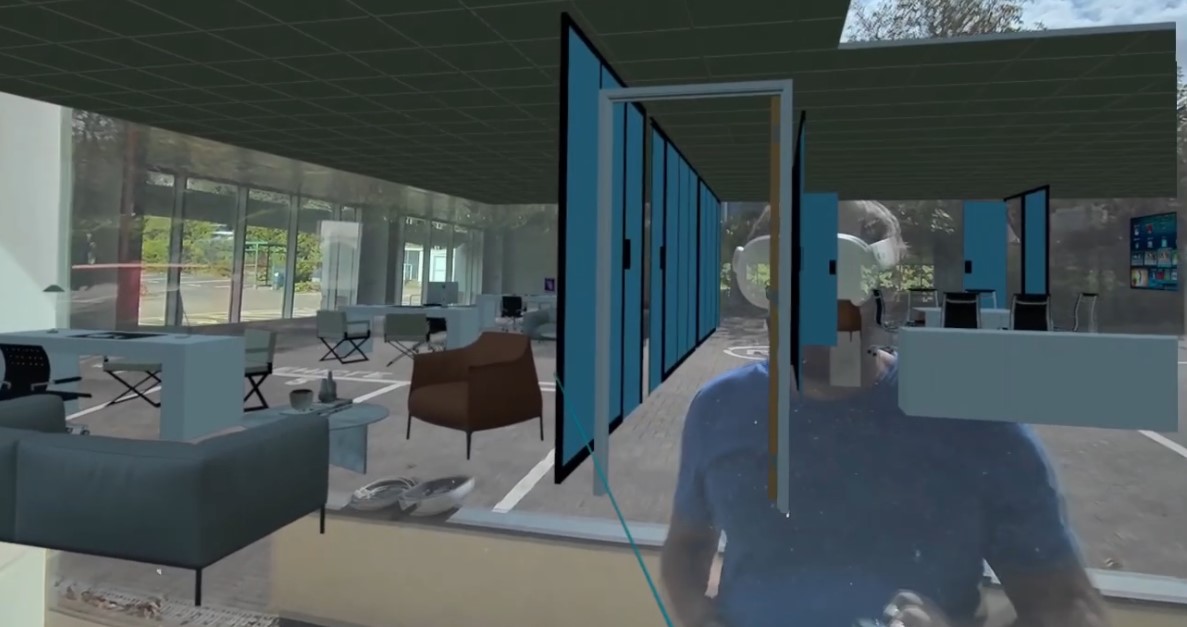
LOFT CONVERSION + REAR EXTENSION — AUGUST 2026, IN PARTNERSHIP WITH CREST BUILD
Simple Process
How It Works
Upload Your 3D Model — From Anywhere
Upload your model through the portal from the office, home, or the site itself — as an OBJ export from SketchUp, Revit, Blender or any 3D tool. No 3D model yet? Send drawings and we'll build it for you.
It Loads On Site at True 1:1 Scale
On site, the headset pulls your latest model and shows it full-size, exactly where it'll be built — same dimensions, materials and textures as your file. Re-upload a change and it updates in minutes.
Walk Through It For Real
Put on the headset and walk around the build full-size on the real plot — architects and builders presenting to clients, homeowners seeing their extension in the actual garden.
Live Demos
See It In Action
Real house extension AR visualisations — blueprints walking into reality.
Why AR?
Why Choose Site Vision AR
Make Confident Build Decisions
See exactly how your house extension will look and feel — room heights, light levels, sightlines — before you sign off on construction.
Avoid Expensive Mistakes
Catch design issues, awkward layouts, or scale problems before breaking ground — saving thousands in costly late-stage alterations.
Share with Family & Stakeholders
Everyone can step inside the AR model — family members, investors, planning officers — and give informed feedback before it's built.
Placed in Your Real Garden
Unlike a 3D render or video walkthrough, AR places your extension in your actual property — you're experiencing real scale, real context.
The Bottom Line
Save Thousands. Build With Total Confidence.
Catching one design issue before you build can pay for the whole project. See, feel and experience the finished result in full — so you sign off quickly and start without doubt, instead of redesigning and changing plans again and again.
Catch issues early
Spot scale, layout and clash problems before they cost money on site.
Save hours of redesign
Test changes and colours live instead of reworking drawings over and over.
Sign off with confidence
Clients commit faster once they've walked through the real thing.
The Headset App
Get Site Vision AR on Meta Quest
Free to download. Install it on the headset, sign in with your customer account, and every model you have uploaded is waiting there — ready to walk at full 1:1 scale.
FAQ
Common Questions
What types of projects can you visualise in AR?
House extensions (single storey, double storey, side return), loft conversions, new builds, renovations and commercial projects such as office fit-outs. If it can be modelled in 3D, it can be walked at full scale on site.
What can I upload?
OBJ files — exported from SketchUp, Revit, Blender or any other 3D package — uploaded through your portal from anywhere. No 3D model yet? Send your architectural drawings and we'll build the model for you.
Do I need any special equipment to view the AR?
Use a headset you already own, or we'll provide one — along with everything needed for your on-site session. You just need access to the property location. We can also supply a standalone experience you can share digitally.
Can I change colours and materials on site?
Yes. You can recolour walls, doors, kitchens — anything in the model — instantly while you're on site, so you can test options and decide exactly what you want before you buy.
Can someone update the model while we're on site?
Yes. Someone in the office can update the file and it syncs to the headset on site simultaneously — change something on a call and walk through the update minutes later, no second visit needed.
Can I run more than one project at a time?
Absolutely. You can manage multiple projects from a single login and switch between them on the headset in seconds — ideal for architects and builders juggling several jobs, or for testing several different designs of the same build side by side.
How accurate is the AR model?
It's shown at exact 1:1 scale with the same dimensions, materials and textures as your 3D model — what you see on site is exactly what will be built. You can even measure it on site to confirm the plans work.
Can architects and builders use Site Vision AR for client presentations?
Absolutely. We offer a professional package for architects and builders to present designs to clients in AR before planning approval or sign-off. It's a powerful tool for winning projects and reducing revisions.
How fast is it?
If you already have a 3D model, it's walkable in AR on site within minutes of uploading — and re-uploading a change updates it on the headset, on site, live. If we're building the model from your drawings, that usually takes a few days.
Get In Touch
Ready to See Your Extension in AR?
Upload your 3D model — or send your drawings and we'll build it. Architects, builders and homeowners: see it full-size on site, at true 1:1 scale, before it's built.
Email Us Directly
hello@sitevisionar.comInclude your project type, location, and attach your drawings — we'll come back to you with a quote and timeline. All project types welcome.
Send Your Plans →